

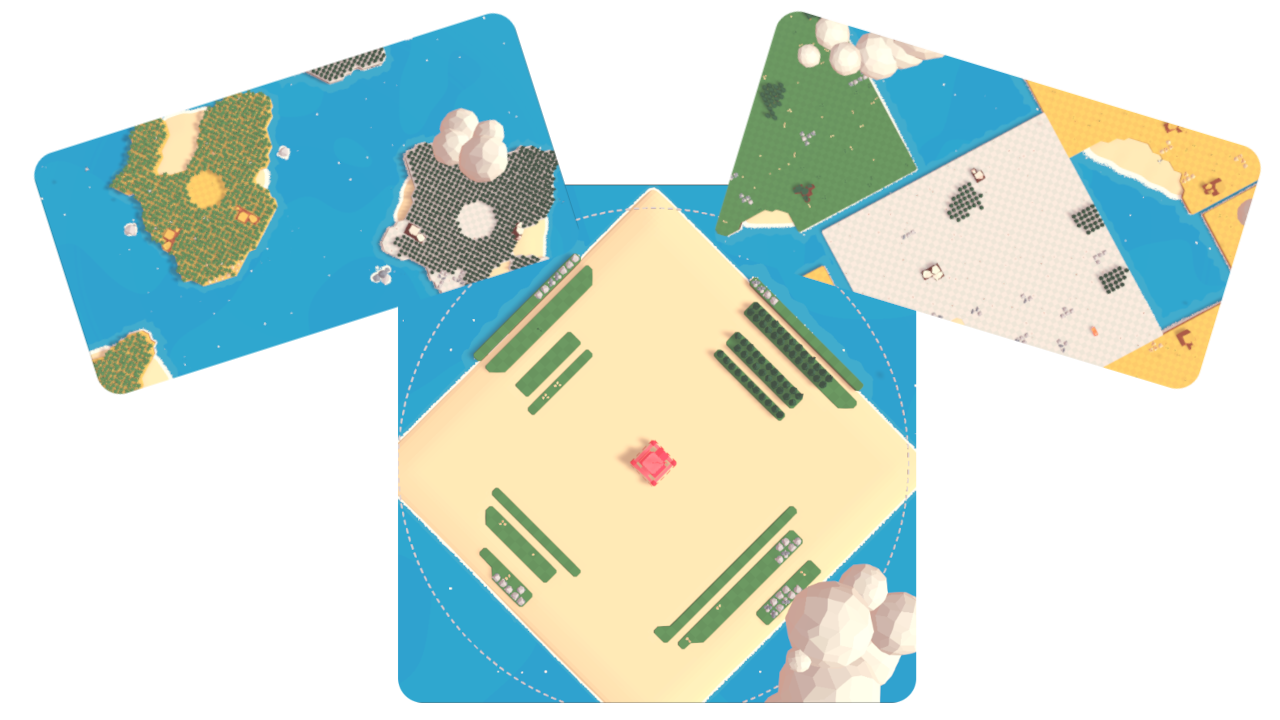
A BepInEx mod for Dice Kingdoms that lets you customize island generation parameters. Change the size, terrain height, moisture, cliffs, trees, rocks, fish, and flowers of generated islands through a simple configuration file.
-
Make sure BepInEx 6.x (IL2CPP) is installed. If you have never installed a BepInEx mod before, follow the general mod installation guide first.
-
Download the latest
IslandConfig.dllfrom the Releases page. -
Copy
IslandConfig.dllintoBepInEx/pluginsin your Dice Kingdoms game folder.Example:
C:\path\to\game\Dice-Kingdoms\BepInEx\plugins\IslandConfig.dll -
Run the game once and close it. BepInEx will create a config file automatically.
The config file is created after the first launch:
Dice-Kingdoms/BepInEx/config/IslandConfig.cfg
Open it with any text editor (for example, Notepad), change the values you want, and save the file. The config file is re-read every time a new island is generated, so you do not need to restart the game. Changes only affect newly generated islands.
To reset everything to default, simply delete the config file. BepInEx will create a new one on the next launch.