

AI teammates with a job, a memory and a cloud computer of their own.


2026 is the year AI stopped being a chat box and became a coworker. Grok Bot, OpenAI Dots and Meta Muse all landed on the same idea: an always-on agent with a computer of its own that does the work instead of describing it. They are also closed.
AI Teammates is an open exploration of that idea. Every prompt, tool and limit is a file in this repository, with auth, billing, usage metering and observability already in place, so you start from a working product and change whatever you like.
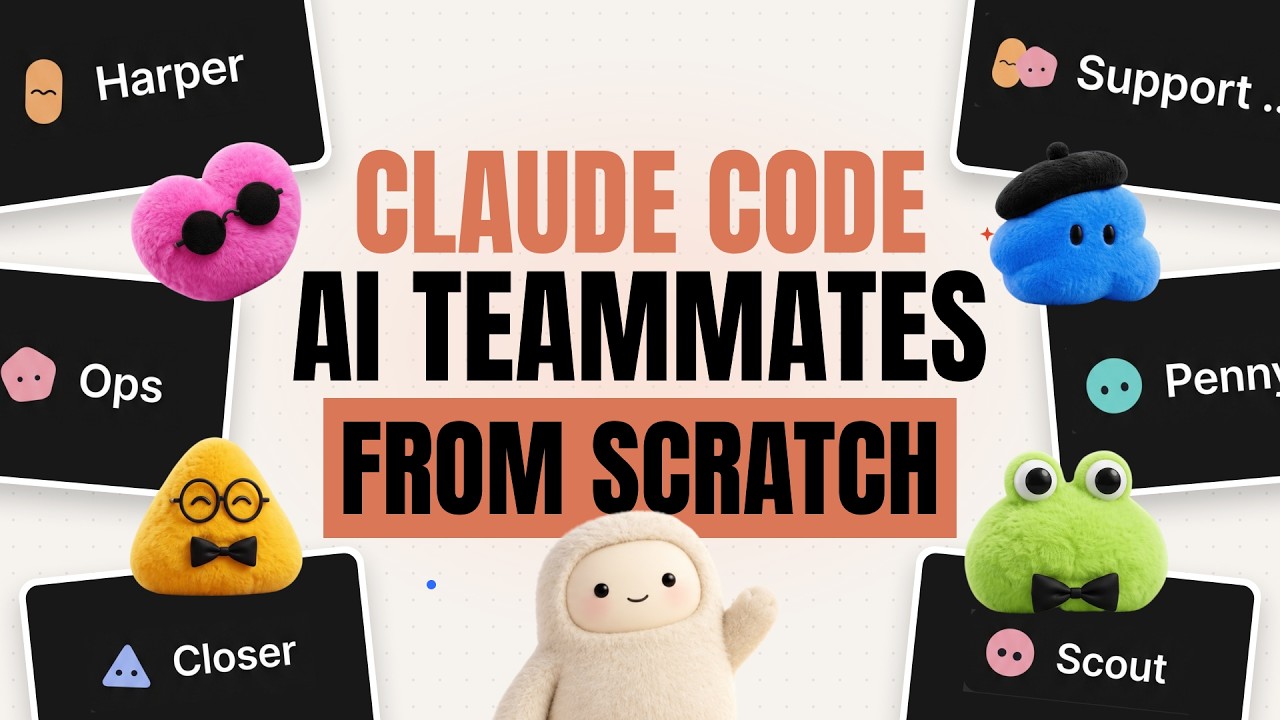
- 🧑💼 Teammates with a job: a name, a job and instructions that each bot keeps in every conversation.
- 🖥️ A computer per teammate: a persistent Linux sandbox with a shell, a filesystem and a graphical desktop.
- 👀 Live desktop view: watch a bot move the mouse and type, streamed into the chat.
- 👥 Group chats with handoffs: a bot passes a request to the teammate whose job it is.
- 🧠 Memory across chats: notes a bot saves in one conversation are there in all the others.
- ♾️ Durable turns: a long desktop task survives refreshes, redeploys and closed tabs.
- 💳 Plans and usage limits: subscriptions, with model spend and sandbox hours metered per billing period.
| Product | What it does here |
|---|---|
| Trigger.dev | Runs the durable chat agent and the cron task that meters running sandboxes. |
| Daytona | One cloud sandbox per bot: shell, files and a desktop it controls. |
| Clerk | Authentication, plus Billing for plans, checkout and feature gates. |
| Neon | Serverless Postgres, and the AI Gateway the chat model is called through. |
| Sentry | Errors, traces, session replays and logs from the app and every task run. |
| Railway | Hosts the Next.js app in production. |
| Firecrawl | Web search and scraping for the coding agent this project is developed with, through its CLI. |
Plus Next.js 16, React 19, AI SDK 7, shadcn/ui, Tailwind CSS 4, Drizzle ORM and DiceBear.
flowchart LR
    U([You]) --> APP

    subgraph Railway
        APP[Next.js app]
    end

    APP -- auth & billing --> CLERK[Clerk]
    APP -- start session / stream --> AGENT

    subgraph Trigger.dev
        AGENT[chat agent]
        METER[meter-sandboxes<br/>every 5 min]
    end

    AGENT -- gpt-5 --> GATEWAY[Neon AI Gateway]
    AGENT -- shell, files, mouse, keyboard --> SANDBOX[Daytona sandboxes]
    APP -- live desktop over noVNC --> SANDBOX
    METER -- list running / stop --> SANDBOX

    APP --> DB[(Neon Postgres)]
    AGENT --> DB
    METER --> DB

    APP -. errors, traces, logs .-> SENTRY[Sentry]
    AGENT -. errors, logs .-> SENTRY
    METER -. logs .-> SENTRY
- A chat turn (
trigger/chat.ts) builds the bot's instructions from its job and streams a reply with the sandbox tools attached (lib/sandbox-tools.ts). It stops after 50 steps or when the allowance is spent. - In a group chat the bot also gets a
handofftool, which gives the rest of the turn to a teammate. A request cannot bounce back to a bot that already held it. - Usage is an append-only ledger. Model spend is written when a turn completes; sandbox time by a task that charges every running sandbox each five minutes and stops those of owners who have run out. Limits live in
lib/usage.ts.
You need Node.js 20.12+ and an account with Clerk, Neon, Trigger.dev and Daytona. Sentry is optional.
1. Clone and install
git clone https://github.com/code-with-antonio/ai-teammates.git
cd ai-teammates
npm install
2. Create .env.local
# Clerk: API keys
NEXT_PUBLIC_CLERK_PUBLISHABLE_KEY=
CLERK_SECRET_KEY=
NEXT_PUBLIC_CLERK_SIGN_IN_URL=/sign-in
NEXT_PUBLIC_CLERK_SIGN_UP_URL=/sign-up
NEXT_PUBLIC_CLERK_SIGN_IN_FALLBACK_REDIRECT_URL=/
NEXT_PUBLIC_CLERK_SIGN_UP_FALLBACK_REDIRECT_URL=/

# Neon: pooled string for the app, direct string for drizzle-kit
DATABASE_URL=
DATABASE_URL_UNPOOLED=

# Neon AI Gateway
NEON_AI_GATEWAY_BASE_URL=
NEON_AI_GATEWAY_TOKEN=

# Trigger.dev: the development key and the project ref
TRIGGER_SECRET_KEY=
TRIGGER_PROJECT_REF=

# Daytona
DAYTONA_API_KEY=

# Sentry: optional. Without the DSN nothing is reported; the other three
# upload source maps on build
NEXT_PUBLIC_SENTRY_DSN=
SENTRY_ORG=
SENTRY_PROJECT=
SENTRY_AUTH_TOKEN=
3. Set up billing
In Clerk, enable Billing and create a user plan with two features, slugged bots and sandboxes.
4. Push the schema and run
npm run db:push            # create the tables
npm run dev                # terminal 1: Next.js
npx trigger.dev@4.7.3 dev  # terminal 2: Trigger.dev tasks
Open http://localhost:3000, sign up, pick a plan and create your first teammate.
The app runs on Railway and the tasks run on Trigger.dev, so there are two things to deploy.
1. Deploy the app to Railway
Fill in the variables it asks for. TRIGGER_SECRET_KEY is your Trigger.dev production key here, not the development one.
2. Deploy the tasks to Trigger.dev
npx trigger.dev@4.7.3 deploy3. Give the tasks their variables
Add these to the project's production environment in Trigger.dev:
DATABASE_URL=
CLERK_SECRET_KEY=
DAYTONA_API_KEY=
NEON_AI_GATEWAY_BASE_URL=
NEON_AI_GATEWAY_TOKEN=

# Optional: only if you use Sentry
NEXT_PUBLIC_SENTRY_DSN=Issues and pull requests are welcome. Run npm run lint, npm run typecheck and npm run format before opening one.
Built by Code With Antonio
An independent project, not affiliated with or endorsed by xAI, OpenAI or Meta.