
A monitor-arrangement daemon for Hyprland, and hyprforge-displayctl to
drive it from a script.
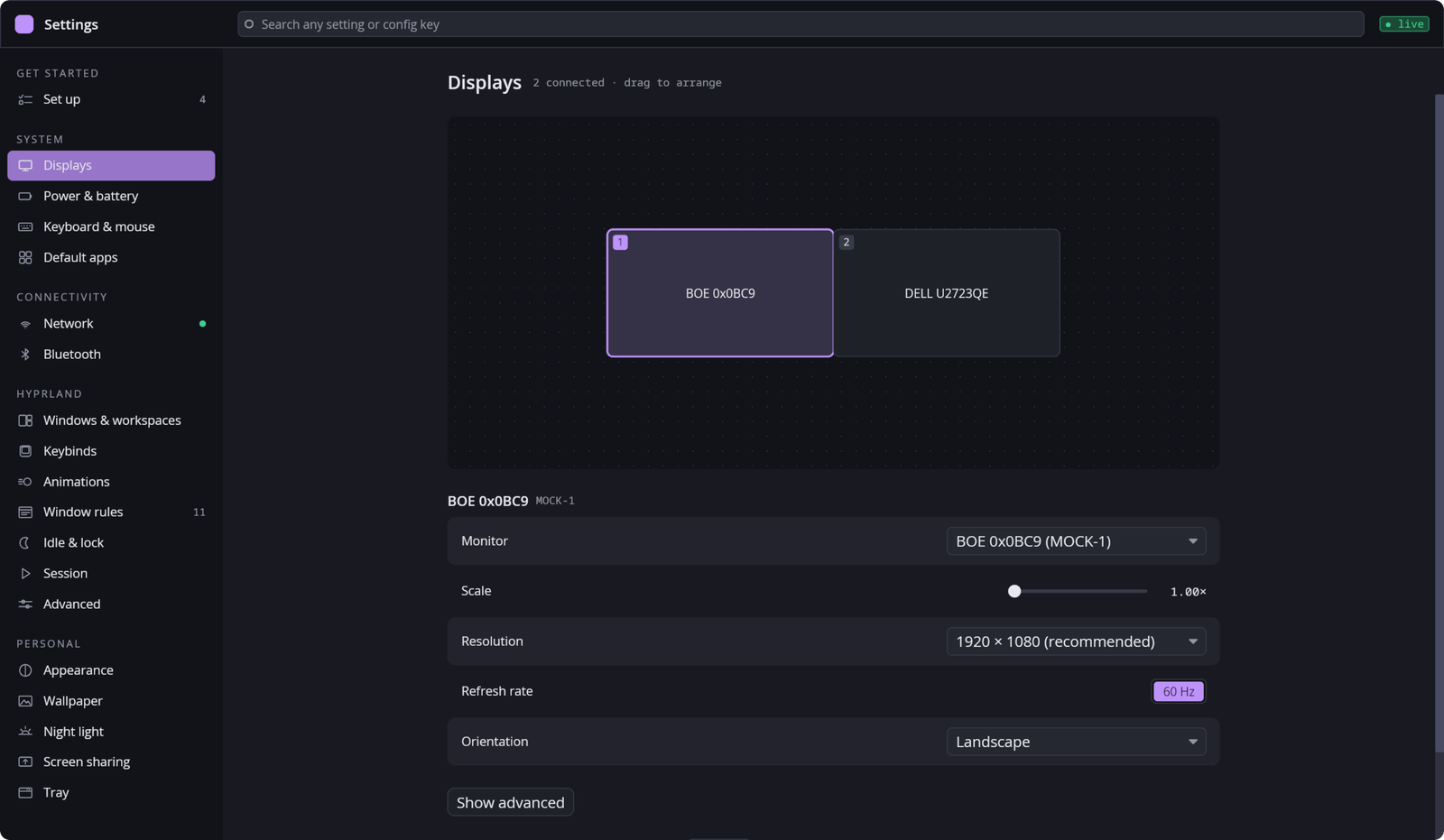
It watches wlr-output-management, recognises a set of displays it has
seen before, and applies the layout you saved for that set. Plug the same
dock in tomorrow and the monitors come back arranged the way you left
them. It owns dev.hyprforge.Displayd on the session bus and serves the
dev.hyprforge.Displayd1 interface there, which is what
hyprforge-displayctl (and Hyprforge's Settings app and tray) talk to,
and writes the settled layout out as a static monitors.lua so it
still applies when the daemon is not running.
Part of Hyprforge, a suite of
native Hyprland desktop applications. It appears there as a
submodule at crates/hyprforge-displayd; this repository is where its code
lives, and pull requests here are welcome.
Scales are 120ths, and most of the ones you would want do not exist.
Hyprland rounds an incoming scale to the nearest 120th, so 1.5 is 180/120
and 1.6 is 192/120 — and then rejects any scale that does not divide the
mode cleanly, substituting its own; the failure is a layout that
silently does not apply. matching.rs snaps every scale to one the
panel can really take before planning a layout around it. The
suite's docs/displays.md has the full account under "Scales are
120ths".
A saved layout is keyed on a fingerprint, not on connector names.
DP-1 is whichever port something is plugged into today. The
fingerprint is a hash of the set of EDID identities (make, model,
serial) — see fingerprint.rs. Two identical monitors report identical
identities, so which one gets which saved position cannot come from
EDID alone: matching.rs falls back to connector order, then applies
any swap you saved for that pair.
cargo install --path .
Arch users can build the hyprforge-displayd package from the monorepo's
packaging/arch instead, which also installs the systemd user service.
MIT. See LICENSE.