


D2DX is a Glide-wrapper and mod that makes the classic Diablo II/LoD run well on modern PCs, while honoring the original look and feel of the game. Play in a window or in fullscreen, glitch-free, with or without enhancements like widescreen, true high framerate and anti-aliasing.
Version 0.0.3
This is a maintained fork of bolrog/d2dx, which has not been updated since July 2021. It is not intended to be merged back upstream. Planned and declined work is tracked in DEVELOPMENT.md.
- Turns the game into a well behaved DirectX 11 title on Windows 10 (also 7, 8 and 8.1).
- High quality scaling to fit modern screen sizes, including widescreen aspect ratios.
- High FPS mod using motion prediction, bypassing the internal 25 fps limit. Play at 60 fps and higher!
- Anti-aliasing of specific jagged edges in the game (sprites, walls, some floors).
- Seamless windowed/fullscreen switching with (ALT-Enter).
- Improved fullscreen: instant ALT-TAB and low latency.
- Improved windowed mode.
- Proper gamma/contrast.
- Fixes a few window-related glitches in Diablo II itself.
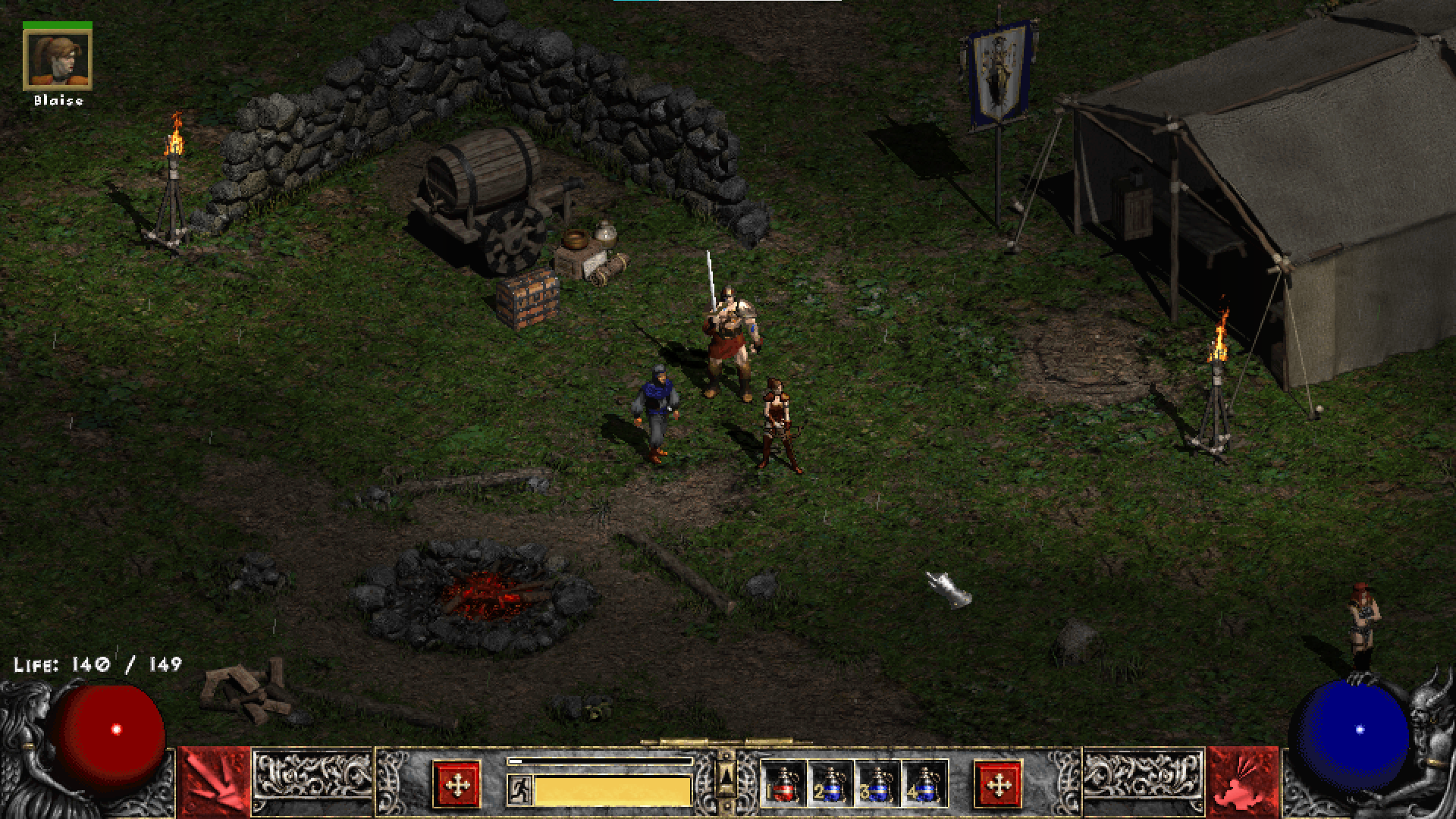
- Diablo 2: LoD (see Compatibility section below).
- Windows 10 recommended (for latency improvements). Upstream supported Windows 7 SP1 and above, but this fork's builds have not been tried on Windows 7 or 8.1.
- A CPU with SSE2 support.
- Integrated graphics or discrete GPU with DirectX 10.1 support.
Supported game versions: 1.09d, 1.10f, 1.12, 1.13c, 1.13d and 1.14d. Custom resolutions work on 1.09d, 1.13c, 1.13d and 1.14d; high FPS (motion prediction) works on every one except 1.10f. Only 1.14d, under Wine/Proton, has been played with this fork's build so far. See docs/compatibility.md for the per-version table, Windows/Wine notes and mods.
This readme has the basics. Configuration lists every setting and command-line option, compatibility has the per-version notes, and CONTRIBUTING.md covers building and contributing. The original project's wiki describes upstream and may be out of date for this fork.
Download d2dx.zip from the latest release and copy glide3x.dll into your Diablo II folder.
No Visual C++ runtime install should be needed: the DLL is statically linked and only uses Windows system DLLs.
To start the game with D2DX enabled, just provide -3dfx, e.g.
Game.exe -3dfx
Windowed/fullscreen mode can be switched at any time by pressing ALT-Enter. The normal -w command-line option works too.
Many of the default settings of D2DX can be changed. To use a configuration file, rename d2dx-defaults.cfg to d2dx.cfg and edit it. Every setting and command-line option is listed in docs/configuration.md.
You are running the download version of Diablo II from blizzard.com. It can be modified to work with D2DX, but this fork does not document how yet.
Check DEVELOPMENT.md to see whether it is a known or planned item, then open an issue and include d2dx_log.txt from your Diablo II folder, your game version and your OS.
D2DX was written by bolrog, with patches from Xenthalon and Jason Newcomb (Jarcho). This fork is maintained by Jack Rayner.
D2DX embeds and uses the following third-party code:
- SGD2FreeRes 3.0.3.1 (the resolution mod) by Mir Drualga, licensed under Affero GPL v3. This is the official release, with one file-name string changed so it reads D2DX's config (see the modification notice), from mir-diablo-ii-tools/SlashGaming-Diablo-II-Free-Resolution.
- RapidJSON by THL A29 Limited, a Tencent company, and Milo Yip, used by SGD2FreeRes and licensed under the MIT License (the licence file also covers some third-party components of RapidJSON).
- Detours by Microsoft.
- FNV1a hash reference implementation, which is in the public domain.
- FXAA implementation by Timothy Lottes. (This software contains source code provided by NVIDIA Corporation.)
- 9-tap Catmull-Rom texture filtering by TheRealMJP.
- stb_image by Sean Barrett.
- pocketlzma by Robin Berg Pettersen.
- tomlc99 by CK Tan, MIT licensed.
This fork's releases are in CHANGELOG.md. The original project's history up to 0.99.529 is in docs/upstream-changelog.md.