
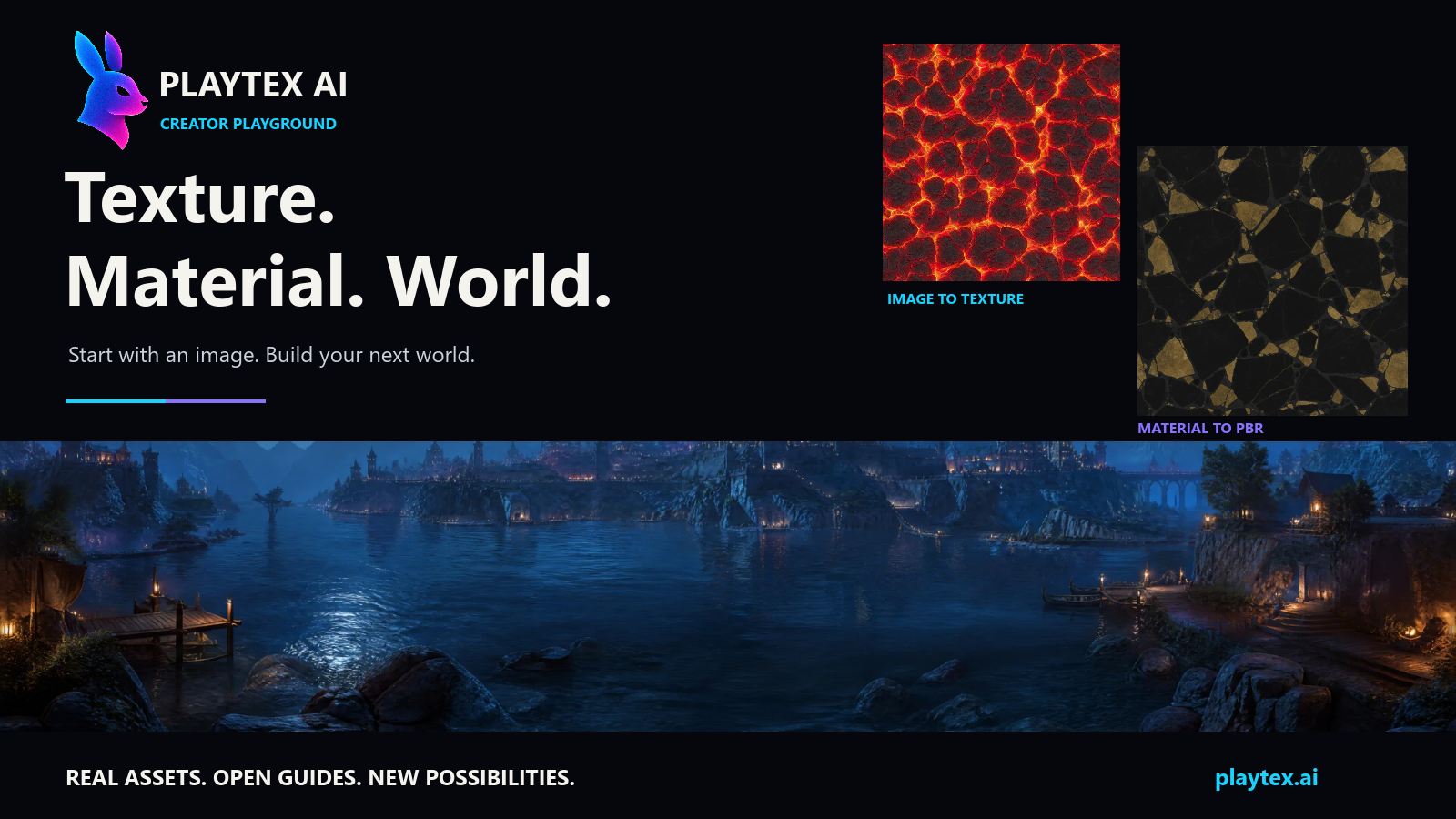
Make something worth exploring. PLAYTEX AI gives game developers and 3D artists browser-based workflows for image to texture, image to PBR, material to PBR, and skybox generation.
Open PLAYTEX AI ↗ · Get free assets ↓ · Explore the playground →
| You have… | You want… | Start here |
|---|---|---|
| A photo, screenshot, or artwork | A repeatable surface texture | Image to texture guide · Tool |
| A prepared surface image | Seven aligned material-map channels | Image to PBR guide · Tool |
| An existing material texture | Better control over its PBR response | Material to PBR guide · Tool |
| A world or lighting idea | A 360° environment | Skybox generator guide · Tool |
AI-assisted tools create source imagery. PBR Map Generator uses deterministic image processing and procedural material generation. The brand includes AI tools; not every processing step uses AI.
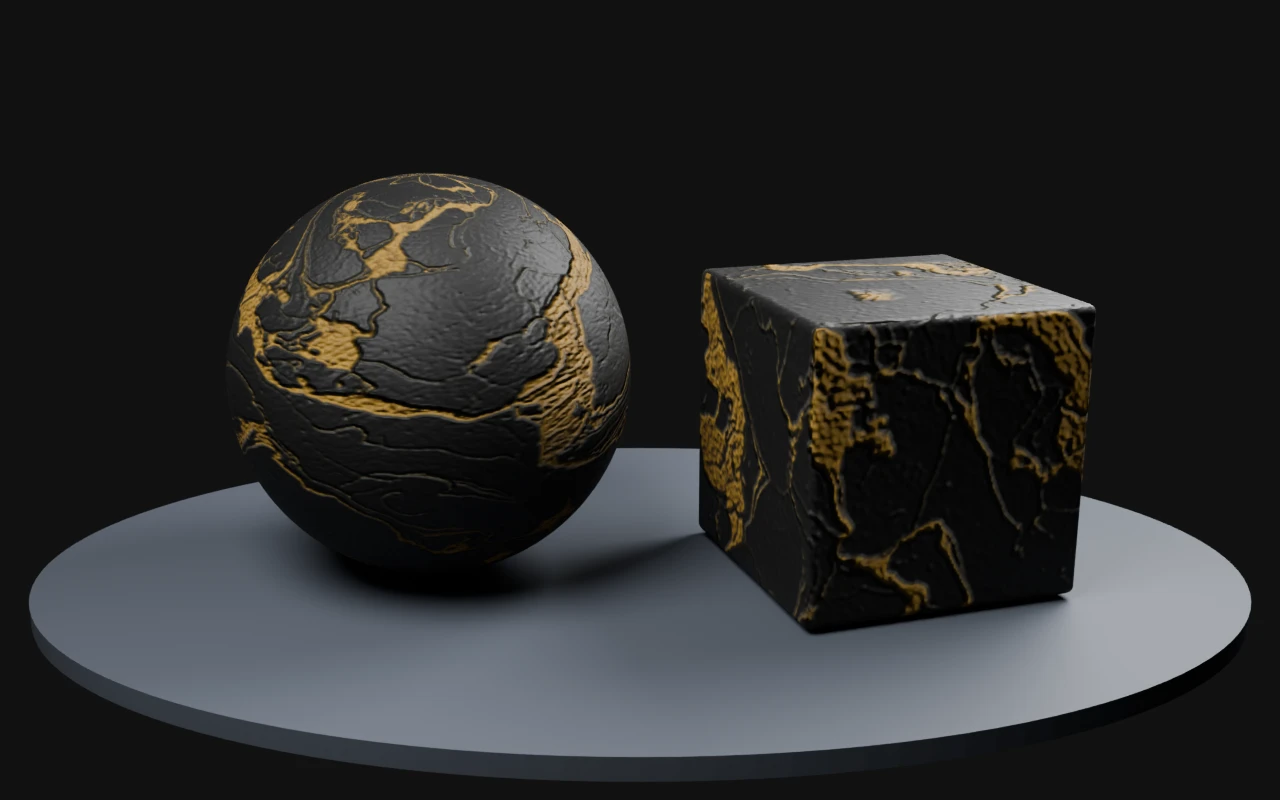
A finished material. Six PBR maps. Ready to explore. Download the source texture, albedo, normal, roughness, metallic, height, AO, Unity packing, and settings. The preview shows this actual material on a sphere and cube in Blender Cycles.
Download Black & Gold Marble — 512px · Browse the maps
No sign-up for this GitHub sample. Existing PLAYTEX AI Terms apply; this pack is excluded from the repository's CC BY license.
- Creator Playground — workflow guides, free sample assets, material settings, and creative challenges.
- PBR export specification — map roles, manifests, packing, normal conventions, and verification boundaries. Draft reference.
- 30-second image-to-texture walkthrough — follow a source image into a repeatable texture.
- Share a creation or request a guide — show us the world you are building.
Public guides and sample assets live here. The tools run at playtex.ai; their implementation remains private.