
Welcome to your new MacroPad. This is a keyboard like device centered on Pro Micro ATmega32U4 5V 16MHz (Leonardo) arduino styled device.
Key Layout

 [0] [1] [2]
 [3] [4] [5]
 [6] [7] [8]
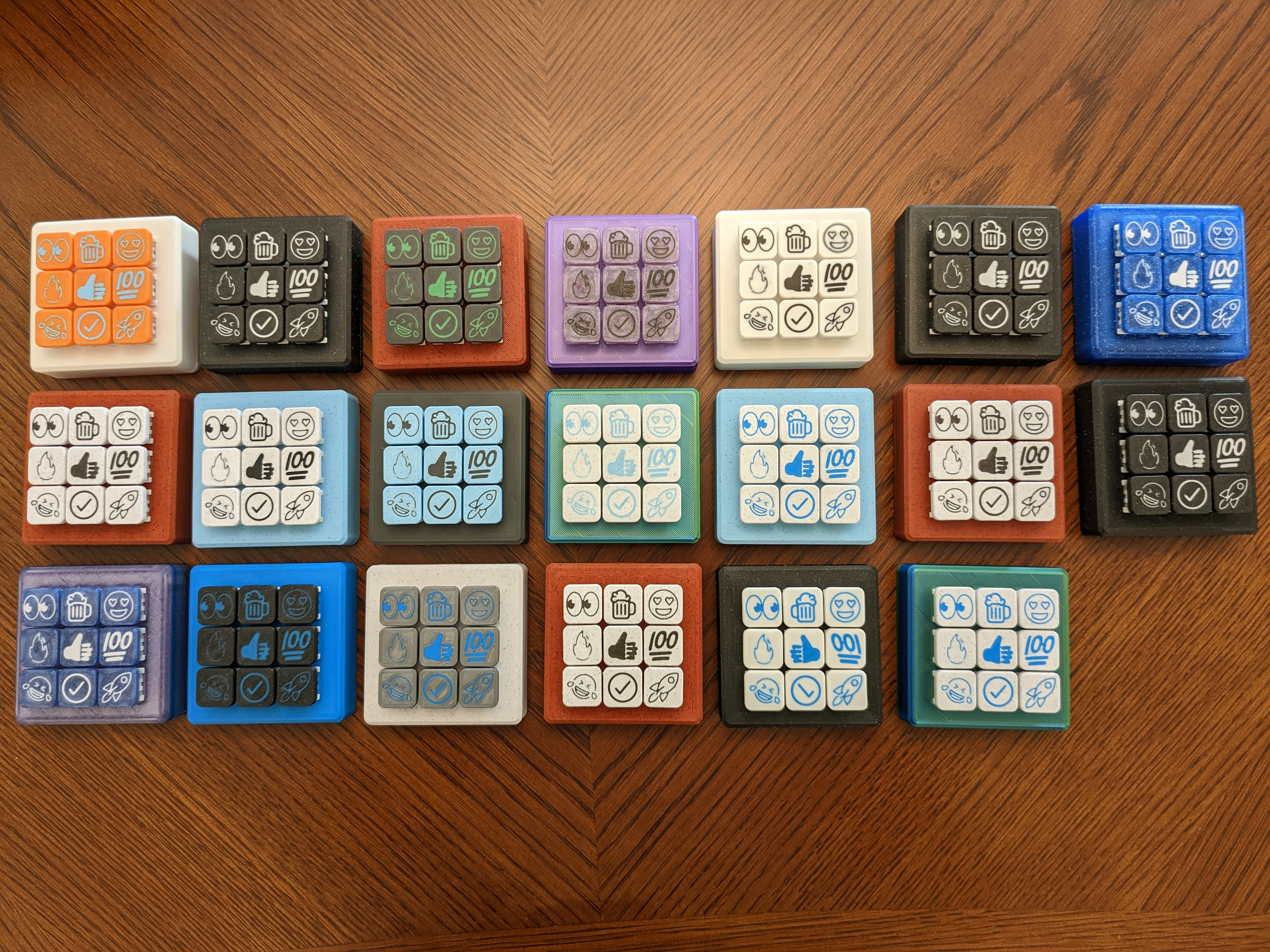
By default, the pad is set to Mac mode
Pressing and holding for 3+ seconds on the following keys will change the input mode.
[0][1][2]switches to Linux mode[3][4][5]switches to Windows mode[6][7][8]switches to Mac mode
Pressing and holding any individual key switches that key into Serial mode. This will send the int value of that key over the 9600 serial channel.
All mode selections are saved to eeprom and will not be reset when the device is powered off.
To enable the default Emoticon behavior on your Macintosh computer, you need to switch your keyboard input to Unicode.
- Open System Preferences
- Open Keyboard
- Select "Input Sources" tab
- Hit Plus button in bottom left
- Search for "Unicode" and add "Unicode Hex Input"
- Delete US keyboard to make Unicode default
In order to program your new MacroPad, there's a few quick steps to get going.
- Download the Arduino IDE
- Launch the IDE
- Install the following Libraries via the Library Manager
CoopTask,ezButton
- Plug in keyboard. Select from dropdown
- Upload!
TBD
PCB designed by 40% Keyboards - Nein
3D Printed Box inspired by DPHacks - lightroom-macro-pad
Code starter point Arduino-Emoji-Keyboard - Arduino-Emoji-Keyboard
SVG2STL conversion tool - https://svg2stl.com/
Emoji SVGs - https://openmoji.org/library/
Keys - [AliExpress] - (https://www.aliexpress.us/item/3256802192387196.html)